 Quill
Work from the keyboard
Move through messages with j and k, reply with r and search with /. Change the shortcuts to suit you.
Quill for macOS
Quill is a native Mac email client for reading, writing, sending and organizing your mail. Use it in its own window or run it in your terminal.
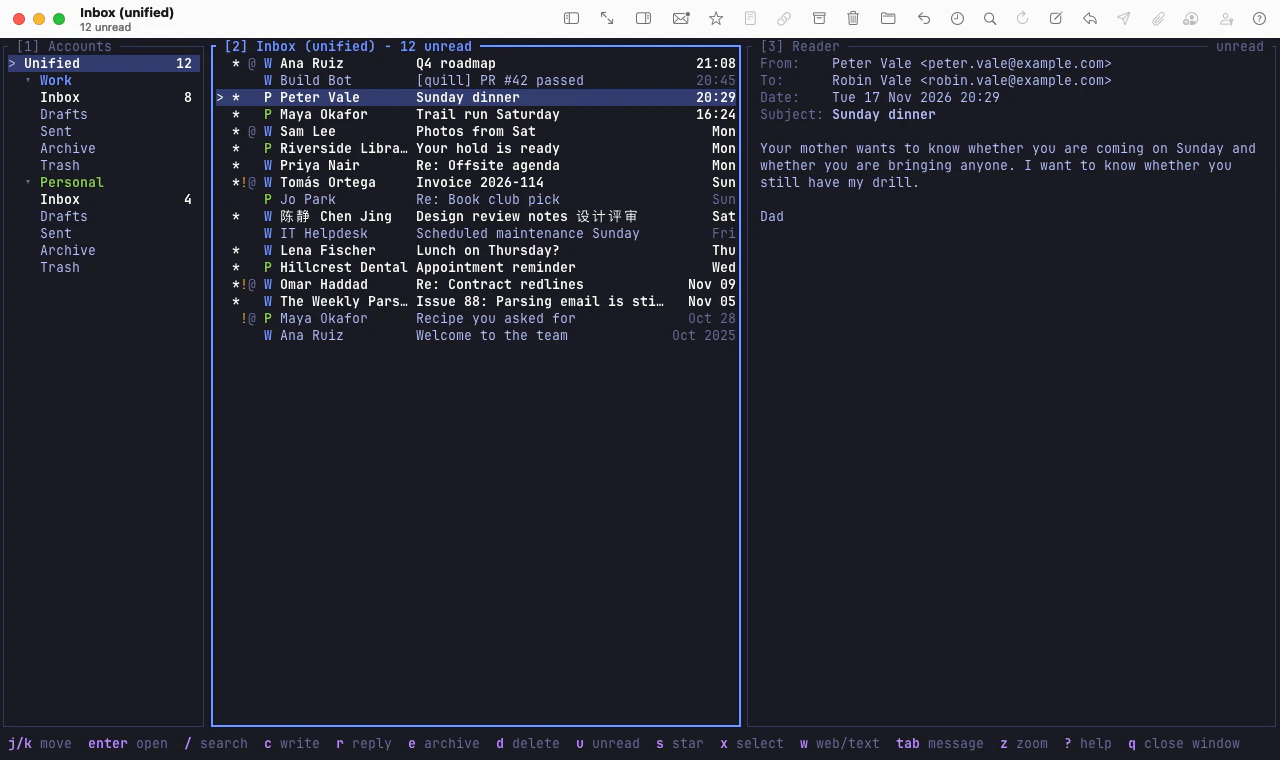
Move through messages with j and k, reply with r and search with /. Change the shortcuts to suit you.
Use a unified inbox for Gmail, Google Workspace, Microsoft 365, Outlook.com and other mail accounts. Search and read synced mail offline.
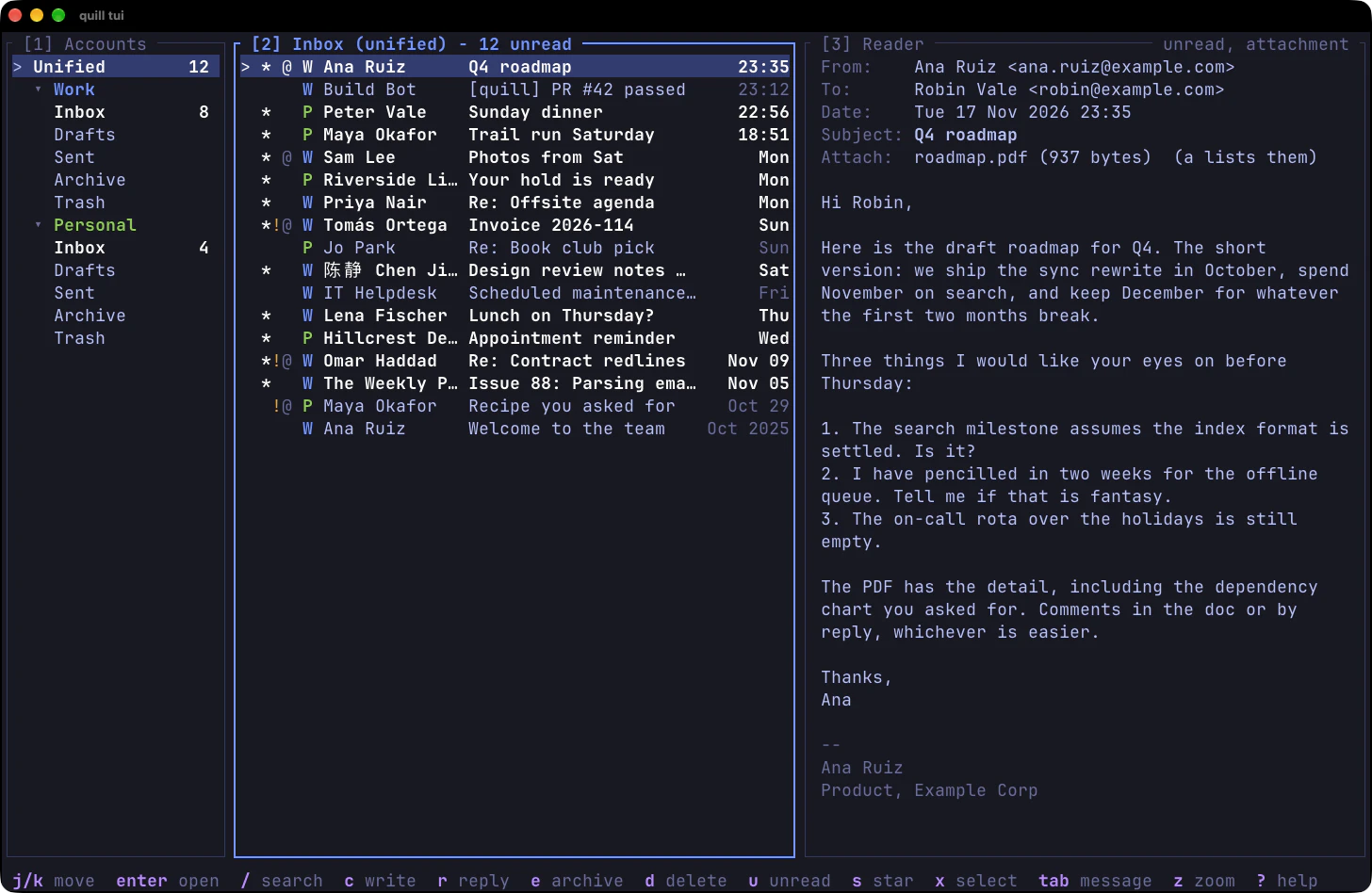
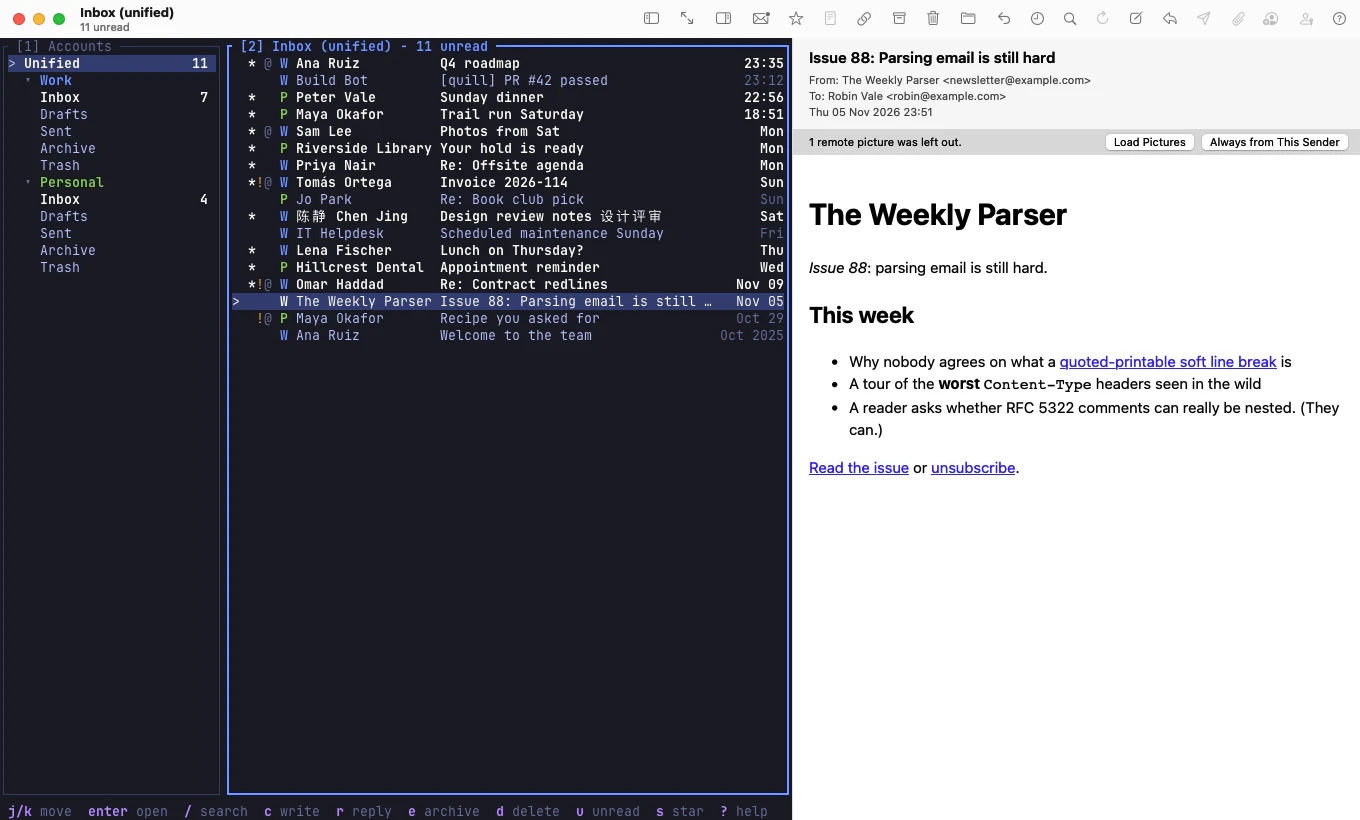
Read mail as text or in an HTML view. Write in Quill’s Markdown editor or use your own terminal editor.
When you add Gmail or a Google Workspace mailbox, Quill requests the https://mail.google.com/ scope to connect directly to Gmail over IMAP and SMTP. This lets Quill sync messages and folders, search your mail, send and reply, and carry out mailbox actions such as archiving, marking and moving messages to Trash. You sign in with Google in your browser.
Your Mac keeps the mail cache and stores Google sign-in tokens in the macOS Keychain. Quill has no servers of its own. The privacy policy explains how Quill protects your data, how to revoke access, and how to delete the local copy.
Building from source? Follow the Gmail setup guide to use Google sign-in with your own OAuth client.
Read the privacy policy